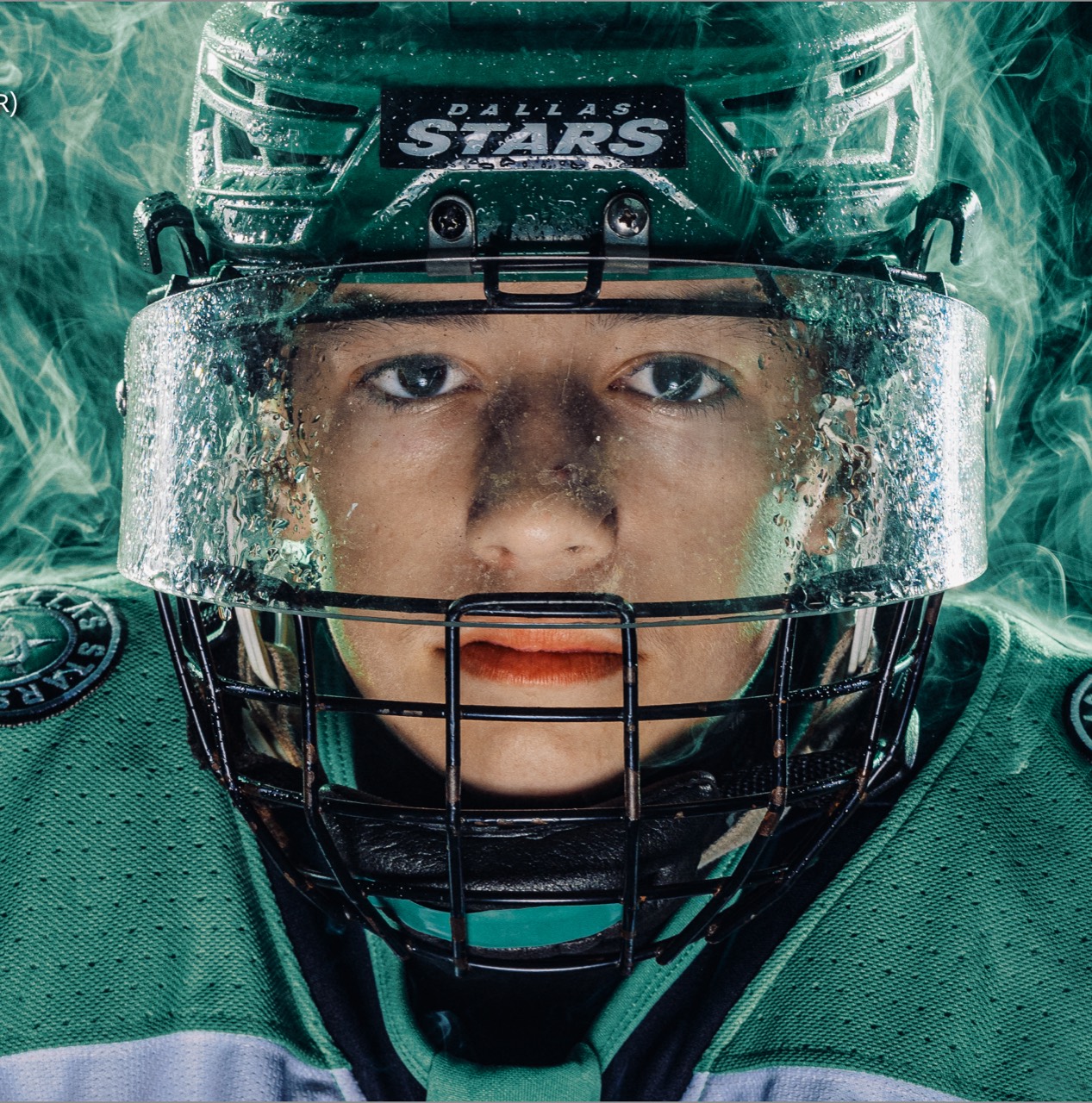
PLAYER CANVAS EXAMPLE
Ryan Williams
Dallas Stars Elite
Center · Left shot · Class of 2031
The player page that started Player Canvas. Explore Ryan’s film, statistics, achievements, and life beyond the jersey.
Personalized Player Pages
Personalize it for your player.
Choose the sections that fit your player. Add photos, clips, and sourced stats, then personalize the colors. Review the page together and get ready to share one Player Canvas link.
Choose. Personalize. Review.
DALLAS STARS ELITE · 2013 AAA
Choose your sections, add your player’s story, and make the page personal.
Try a page color profile
Arena green preview. More colors are available.
BUILT BY A HOCKEY DAD
Justin Williams is a hockey dad and coach. He built Ryan’s website to bring his son’s highlights, player details, statistics, and story into one place.
That is the starting point for Player Canvas: a straightforward way to configure a personal scouting page around the player’s game and story.
Explore the site that started itTHE WHOLE PROFILE
A focused scouting layout. Choose the sections you want and make the page personal.
#91 · Dallas Stars ElitePLAYER SNAPSHOT
Dallas Stars Elite · 2013 AAA
Ryan Williams is a 2013-born center for Dallas Stars Elite 2013 AAA. His game is built on hockey IQ, creative playmaking, and a commitment to competing in all three zones. He creates offense through vision, puck skills, and a strong shot. Ryan is focused on becoming a stronger, faster, and more complete player while helping his team compete for a national championship.
A CLOSER LOOK AT HIS GAME
Three clips from Ryan’s public film library.
BEYOND THE JERSEY
Gear, favorites, family, quick picks, a favorite Bible verse. Share what feels right.
Scoring three shootout winners in the same weekend.
“Let all that you do be done in love.”
A PROFILE TO KEEP
A scout sheet brings player details, season statistics, and a short bio together. Its QR code leads back to the player’s website for film and more.
Example scout sheet using Ryan’s supplied season statistics.
HOCKEY / PLAYER SCOUT PROFILE
SEASON STATISTICS · 2026–27
INSTAT reports
PLAYER PROFILE
Ryan Williams is a 2013-born center for Dallas Stars Elite 2013 AAA. His game is built on hockey IQ, creative playmaking, and a commitment to competing in all three zones. He creates offense through vision, puck skills, and a strong shot. Ryan is focused on becoming a stronger, faster, and more complete player while helping his team compete for a national championship.
Connect player strengths to real clips. Give coaches a compact view, use statistics suited to the position, and take matching player cards and QR codes to the rink.
The scouting page can use a recruiting contact form that keeps the parent’s email off the page. Inbox delivery is connected and tested as part of launch setup.
SEE IT COME TO LIFE
Explore a published page and see how the details come together.
PLAYER CANVAS EXAMPLE
Dallas Stars Elite
Center · Left shot · Class of 2031
The player page that started Player Canvas. Explore Ryan’s film, statistics, achievements, and life beyond the jersey.
A SIMPLE START
Choose what to include. We prepare a personalized scouting page for your family to review.
Bio, position & player details
Highlights organized by skill
Season totals with context
Moments worth sharing
Gear, favorites, family & more
A page that feels like them
Your choices, brought together in one clear page.
Check the details with your family before launch.
Share the published page with coaches, family, and friends.
YOUR CHOICES
PAGE SETUP
The standard scouting page has a personalized Player Canvas address and requires ongoing hosting through us. Forwarding a family-owned custom domain, content updates, and data connections are optional additions with their own agreed scope.
BEFORE THE FIRST SHIFT
No. Start with the content you have. Complete and review the essentials before launch. Personal sections, a Bible verse, and the photo gallery are optional.
No. The standard scouting page uses an address such as yourplayer.playercanvas.com and requires ongoing Player Canvas hosting. Your family does not need to buy or renew a separate domain. You can optionally forward a domain you already own, or buy a new domain separately. Visitors are sent to your player’s page, and their browser’s address bar then shows the Player Canvas address. Personalized Player Canvas addresses are planned until our main domain is purchased and set up.
Your family provides and verifies the season totals and identifies the source, such as a team report or INSTAT. Automatic workbook syncing, schedules, and other data connections require their own scope and setup.
Yes. Supported YouTube videos and public Instagram Reels or posts can play in the profile, alongside uploaded MP4 clips. Provider restrictions can prevent embedding; a link to watch on the provider’s page remains available.
The parent’s recruiting inbox, intake notes, approval record, and source statistics attachments stay out of the public player profile. The family chooses which personal details appear.
Player Canvas hosts and manages your player’s scouting page. The page and personalized Player Canvas address require ongoing hosting through us. If you choose a custom domain, your family owns and renews it; it forwards visitors to the Player Canvas address. Domain purchase and forwarding setup are separate from required hosting. Content updates are optional and quoted separately.
No. Get started opens a short inquiry. Setup, hosting, optional additions, and pricing are confirmed before any paid work begins. No order or payment is made by sending the form.
GIVE THEIR GAME A HOME
Choose the sections. Add their story. Personalize a scouting page your family is proud to share.